
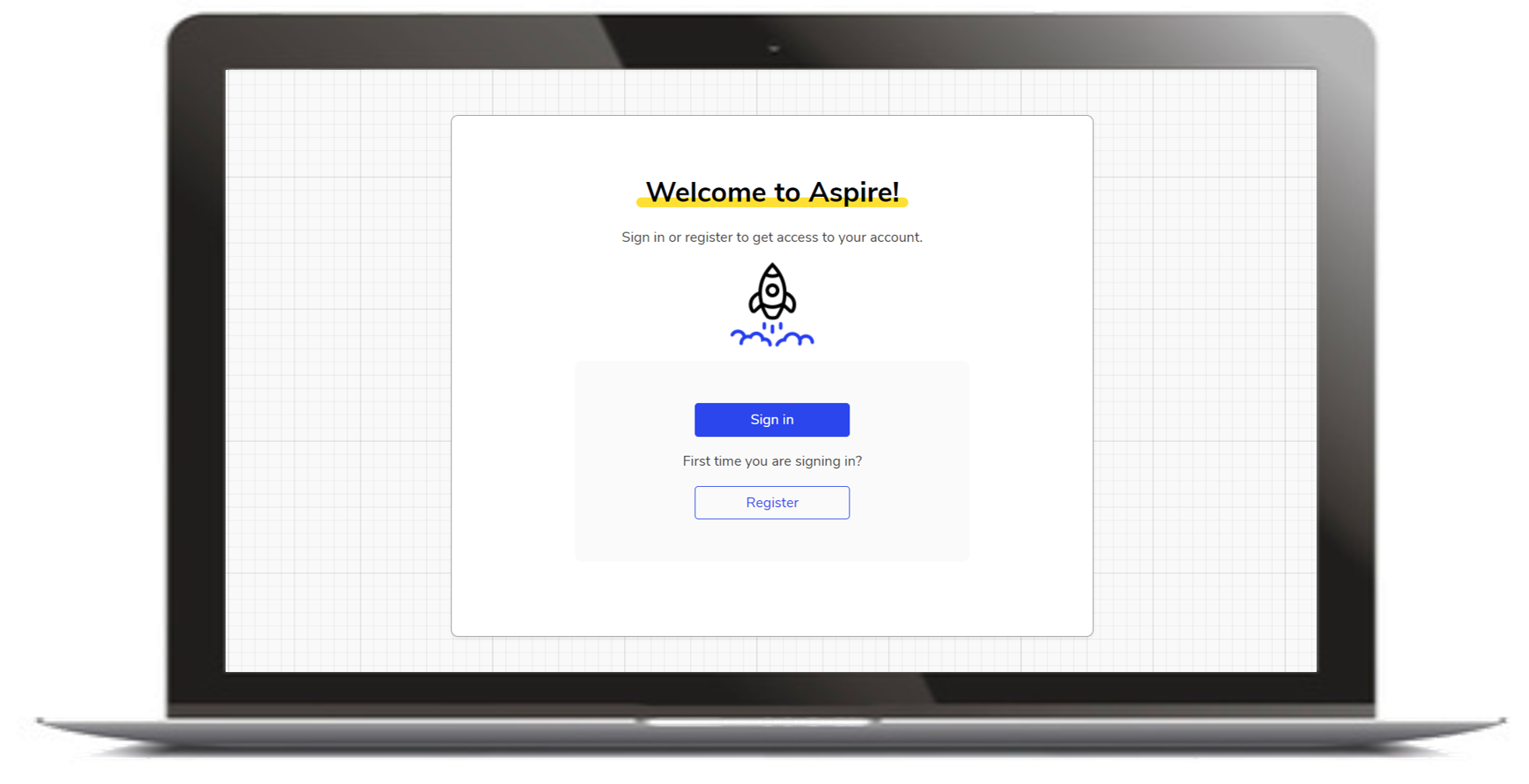
The Aspire login process is the same for all students and staff.
Irrespective of whether you're an Aspirations Lead, Head of Year, Form Tutor, Pastoral Lead or Student, you'll need to register in order to access the Aspire platform for the first time. You can do this my going to myaspire.io and clicking "Register", as shown in the screenshot above. You'll then need to:
- Enter your school email
- Choose a secure password consisting of at least 8 characters - many users find it helpful to use their school login password
- Confirm your password
NB1 - Staff users will need to open their emails to authenticate their account before logging in for the first time. Students do not need to do this.
NB2 -The first time you log in, you will be required to accept the privacy statement
Common Problems with Logging In
- Mis-spelling of email addresses - this is the most common problem with logging in, so please double-check this (and make sure your students do when they log in, too!)
- Trying to log in before registering - if you haven't registered yet, you won't be able to log in
- Forgotten password email not sending - there may be a short delay before receiving your forgotten password email. If it takes more than a few minutes, it may be worth checking that your IT team have whitelisted our email address
- If students are having this problem, their tutors can manually reset their password
- NB - Password reset links expire after 24 hours
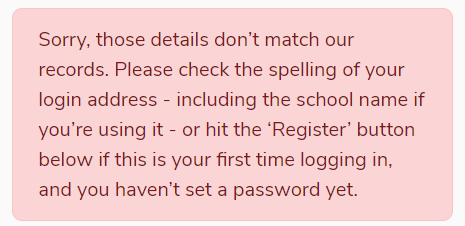
- No account set up - if you are absolutely sure that your email address is correct when trying to register and are still seeing the error message below, it is possible that you may not have an account set up. If you think this might be the case, please contact your school's Aspirations Lead.
If all else fails, please contact us and we'll check our records to identify and resolve the problem.
We hope you've found this guide useful. If you have any issues with using Aspire, please don't hesitate to contact our support team.
Comments
0 comments
Please sign in to leave a comment.