
Resetting a Forgotten Password
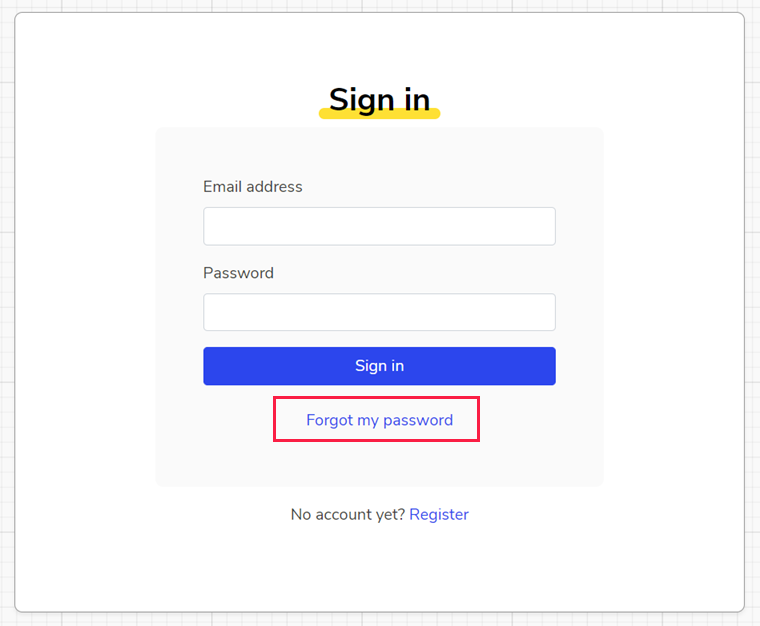
If you've forgotten your password, you can reset it by clicking "Forgot my password" from the Sign In screen, as shown below.
Changing a Temporary Password
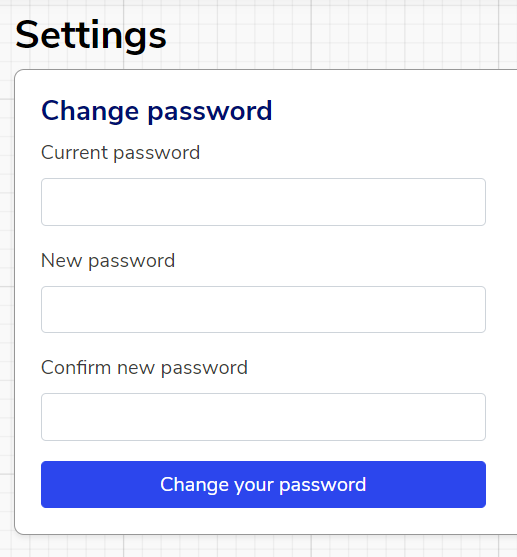
If you have been assigned a temporary password and want to change it to something more memorable, you will need to:
1. Sign in
2. In the top right of the screen, click your name then click "Settings"

3. Fill out the fields shown below and click "Change your password"
We hope you've found this guide useful. If you have any issues with using Aspire, please don't hesitate to contact our support team.
Comments
0 comments
Please sign in to leave a comment.